

Keeping your payment information up to date on your iPhone is like ensuring your favorite pizza joint has your correct delivery address—essential for a smooth experience. Whether you’ve upgraded your credit card or just want to switch things up, knowing how to change card info on your iPhone can save you from those awkward moments at checkout.
Understanding Card Info on iPhone
Card info on an iPhone includes significant payment details, such as credit and debit card numbers, expiration dates, and security codes. Keeping this information updated ensures smooth transactions in apps and on websites. Users often update their card info when replacing cards or changing banks.
Accessing card info requires navigating to the Settings app. Users should tap on their name, followed by choosing “Payment & Shipping.” This section displays all stored payment methods. Adding or editing card details occurs here too.
Editing existing card info is straightforward. Tapping the card allows users to change any necessary details, including the card name or billing address. New cards can be added easily with the “Add Payment Method” option.
Card info is not just for Apple Pay purchases. It’s vital for subscriptions and app payments, making regular updates essential. Users in need of immediate assistance can utilize Apple’s support website for additional guidance.
Staying informed about card info settings enhances user experience. Frequently checking this information can prevent payment hassles during online shopping or app usage. By managing these details, users maintain a reliable payment method throughout their iPhone.
Steps to Change Card Info on iPhone
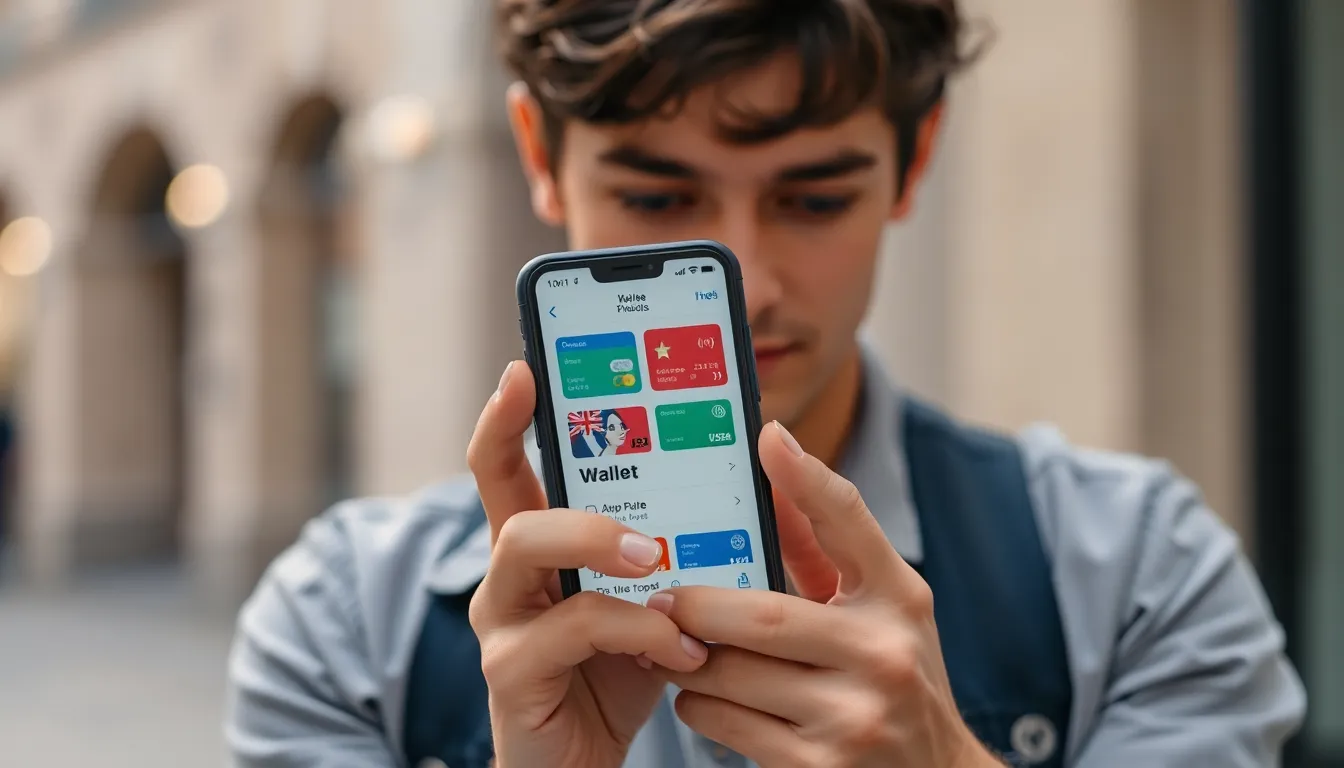
Changing card information on an iPhone is straightforward. Users can easily manage their payment details through the appropriate apps.
Accessing the Wallet App
Open the Wallet app from the Home screen. Tap the plus sign to add a new card or select an existing card to edit. Depending on the version of iOS, the layout might vary slightly, but the functionality remains the same. For existing cards, simply tap on the card and then choose the option to edit. This access enables users to view all saved cards in one place, streamlining the management process.
Updating Your Card Information
To update card details, select the card you wish to modify. Change necessary fields such as the card number, expiration date, or security code. After making changes, save the new information to ensure it’s applied for future transactions. It’s crucial to verify that all details are accurate, preventing potential payment issues during online transactions or app purchases. Users can repeat this process for any additional cards they wish to update.
Troubleshooting Common Issues
Errors can occur when trying to change card information on an iPhone. Addressing these issues quickly enhances the user experience.
What to Do If Changes Don’t Save
Occasionally, updates to card information may not save. First, users should ensure they’re connected to a stable internet connection. Restarting the iPhone sometimes refreshes the system. Users must also check for any available software updates; outdated software can cause glitches. If the issue persists, signing out of the Apple ID and signing back in might resolve saving problems. Lastly, ensuring that the iPhone has enough storage space can prevent saving issues as well.
Dealing with Error Messages
Error messages can disrupt attempts to update payment information. Users encountering an error message should first note the specific code or description provided. A common cause for errors often involves incorrect card details. Verifying the card number, expiration date, and security code ensures accuracy. Users can also review Apple’s support documentation for specific troubleshooting methods related to error codes. If error messages continue, contacting Apple Support provides access to further assistance and solutions.
Tips for Maintaining Card Security
Maintaining card security on an iPhone plays a crucial role in preventing unauthorized access to payment information. Utilize strong passwords and biometric authentication, such as Face ID or Touch ID, to restrict access to financial apps. Regularly updating passwords, especially after a security breach, enhances protection against potential threats.
Avoid sharing credit or debit card information through unsecured channels, such as email or text messages. Use only trusted websites and apps for transactions, particularly those with secure payment options. Enable two-factor authentication for added layers of security when accessing financial accounts.
Monitor bank statements frequently for unusual transactions. This practice helps detect fraudulent activity early. Utilize the option to enable notifications for purchases made on the iPhone, facilitating immediate awareness of any unexpected charges.
Keep the iPhone’s operating system and apps updated. Regular updates often include security enhancements that protect sensitive data. Consider using mobile security apps, which provide additional monitoring and protection tools.
In the event of a lost or stolen iPhone, act promptly to secure payment information. Remotely erase the device using Find My iPhone if necessary and contact the bank to block any linked cards. Additionally, always have a backup plan for emergencies, such as a secondary payment method.
Should issues arise with unauthorized charges, contacting the bank for immediate resolution remains essential. Keeping all transaction receipts can aid in the dispute process if fraud occurs. By following these practical tips, cardholders strengthen their security posture while using their iPhones for payments.
Keeping payment information updated on an iPhone is essential for a seamless user experience. By following the simple steps outlined in the article, users can easily change their card info and avoid potential payment hassles. Regularly checking and updating these details not only ensures smooth transactions but also enhances security.
For any issues encountered during the process, the troubleshooting tips provided can help resolve common problems. Staying proactive about card security further protects against unauthorized access. With these practices in place, users can confidently manage their payment information and enjoy a hassle-free experience on their iPhones.