

In a world where multitasking reigns supreme, why limit conversations to just one-on-one chats? If you’ve ever wanted to juggle three conversations at once on your iPhone, you’re in for a treat. Three-way calling isn’t just a nifty trick; it’s a game-changer for keeping everyone in the loop without the hassle of endless back-and-forth texts.
Imagine planning a surprise party with friends or resolving a group dilemma—all without losing your sanity. It’s time to unleash the power of your iPhone! With just a few taps, you can connect with multiple people, making every conversation a lively affair. So, buckle up and get ready to master the art of three-way calling—because who doesn’t love a good chat with a side of chaos?
Understanding Three-Way Calling
Three-way calling streamlines conversations by allowing three participants to engage on one call. This feature enhances communication for personal and professional matters alike.
What Is Three-Way Calling?
Three-way calling refers to the ability to connect three phone lines in one conversation. Users start a call with one person, then add a second caller without hanging up. This simple process enables collective discussions, making it versatile for various situations.
Benefits of Three-Way Calling
Three-way calling offers significant advantages. It simplifies coordination by eliminating the need for multiple individual calls. This feature facilitates group decision-making, which can save time and reduce confusion. Handling planning for events, such as meetings or gatherings, becomes more efficient. Additionally, three-way calling enhances relationship management by connecting friends and family, allowing shared experiences in real-time.
How to Set Up Three-Way Calling on iPhone
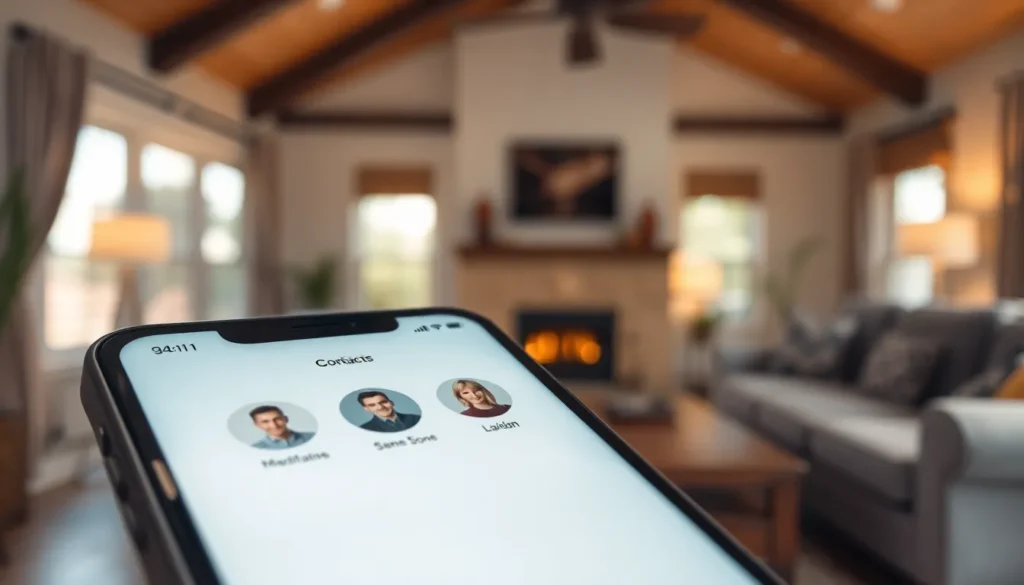
Setting up three-way calling on an iPhone involves a few straightforward steps. Users should follow these guidelines to ensure a smooth experience.
Checking Your Carrier’s Support
Before utilizing three-way calling, confirming that the carrier supports this feature is essential. Most major carriers, including Verizon, AT&T, and T-Mobile, provide three-way calling services. Users can easily check carrier support by visiting the official carrier website or contacting customer service. Additionally, checking the specific plan’s terms may reveal if three-way calling is included. Understanding these details ensures that users won’t encounter unexpected issues when initiating a three-way call.
Updating Your iPhone Software
Keeping the iPhone software updated is crucial for utilizing the latest features. Go to the Settings app and tap General, followed by Software Update. If an update is available, download and install it. Recent updates often improve functionality and may enhance calling features. Ensuring the iPhone runs on the latest iOS version also helps maintain compatibility with three-way calling capabilities. Regular updates contribute to a smoother user experience.
Steps to Make a Three-Way Call on iPhone
Three-way calling on an iPhone can enhance communication and facilitate group discussions effectively.
Initiating the First Call
Start by opening the Phone app. Navigate to the Contacts tab or select a recent call from the Recents section. Tap on the number to initiate the first call. Ensure the connection is established before proceeding. Introducing the first participant sets the stage for the call, enhancing engagement and participation.
Adding a Second Caller
To add a second caller, touch the green Add Call button while the first call is ongoing. This action opens the Contacts or Recents list again. Select the second participant’s number to initiate the second call. Wait for the second call to connect before proceeding. Maintaining clear communication with the first caller during this process ensures a smooth transition.
Merging the Calls
Merging both calls requires tapping the Merge Calls button. This button appears on the screen once the second call connects. Ensure both participants can hear each other and participate in the conversation. Managing the conversation effectively involves addressing all parties by name, which makes the discussion more coordinated. This method facilitates meaningful group interaction and decision-making.
Troubleshooting Common Issues
Issues may arise during three-way calling on the iPhone. Addressing these common problems helps ensure a smoother experience.
Call Drops or Disconnections
Call drops can happen unexpectedly during a three-way call. Weak cellular signals often contribute to this issue, so users should check their network strength. Confirming wireless settings and enabling Airplane Mode temporarily may also help. Sometimes, outdated software leads to drops, making updates essential. Resetting the network settings can resolve persistent disconnections. If problems persist, contacting the carrier may provide additional support and troubleshooting steps to resolve the issue.
Unable to Add Third Caller
Difficulty in adding a third caller can frustrate users. First, ensure that the current call is active before attempting to add another participant. The Add Call button becomes visible once the primary call is established. If no button appears, it could be due to carrier limitations; confirming compatibility with the carrier can help. Restarting the iPhone can also refresh the software, eliminating any temporary glitches. Checking for software updates is advisable, as newer versions enhance functionality and performance in this area.
Three-way calling on an iPhone opens up new avenues for communication. It allows users to connect with multiple people effortlessly, enhancing both personal and professional interactions. By following the outlined steps and troubleshooting tips, anyone can navigate this feature with ease.
Embracing three-way calling can transform how users manage conversations and coordinate plans. Whether it’s organizing a surprise party or resolving issues with friends, this feature proves to be a valuable tool. With just a few taps, users can foster deeper connections and streamline their discussions, making it a must-try for anyone looking to enhance their communication experience.